Print Master: Scanner & Print1.0.2
Publisher Description
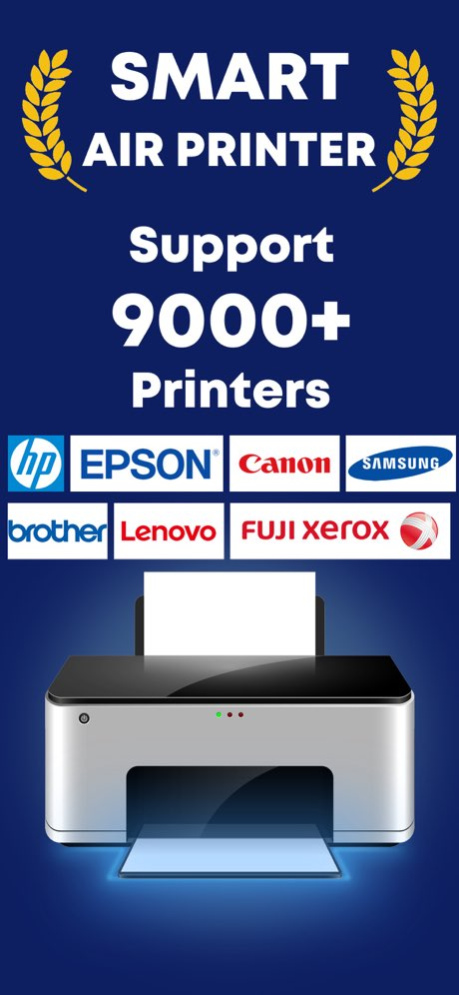
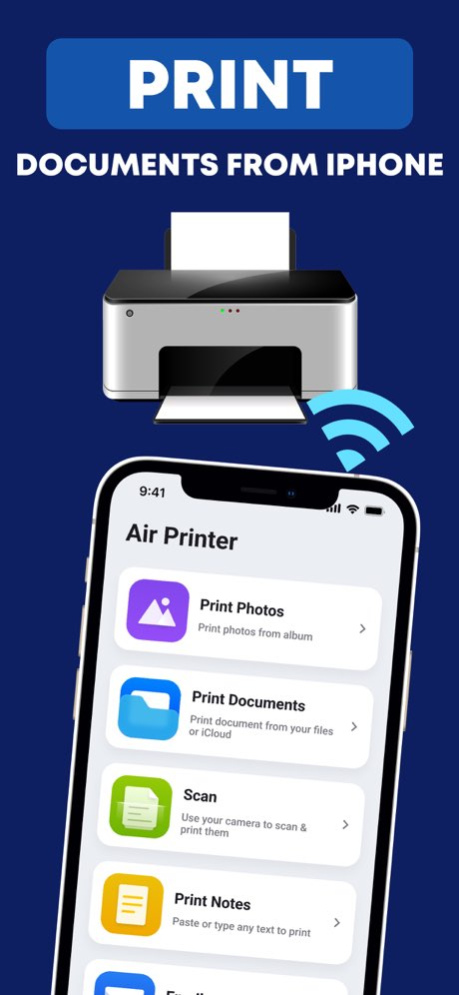
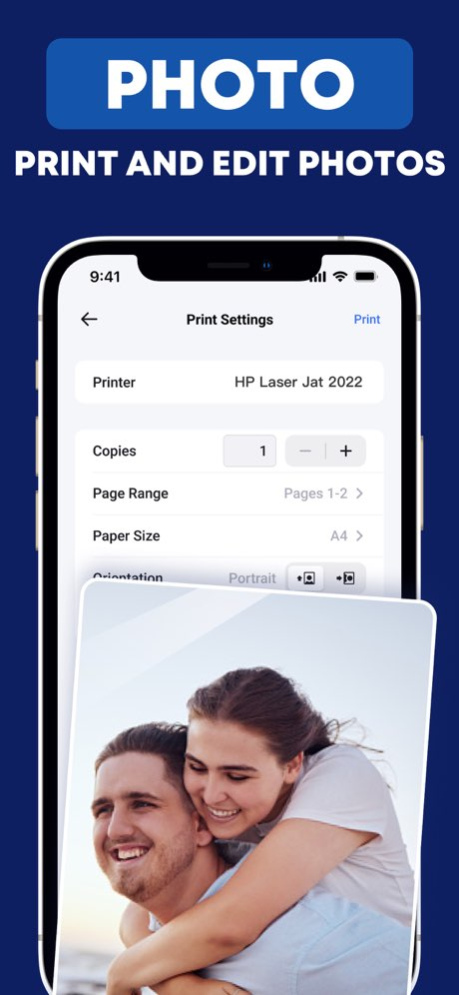
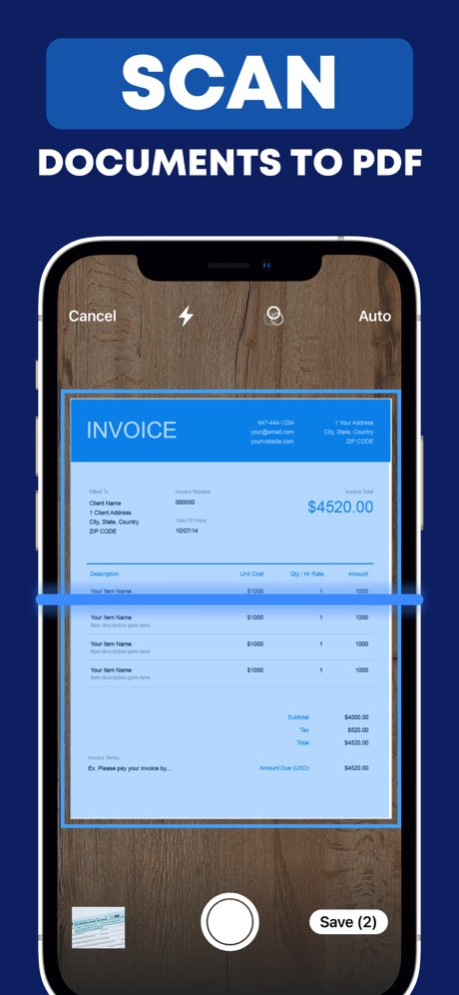
PrintMate is one of the smartest printer app can help you to easily print, scan, edit and share files from your iOS devices.
PrintMate makes it possible for you to print your files and photos in seconds. And PrintMate supports all kinds of printers avaliable in the world!
Key Features
-Eidt Documents
PrintMate will edit your paper size, and enhance your photo quality based on printer capability and document types
- Scan Documents
PrintMate owns a smart scanner that can realize high-quality scans with your mobile device’s camera or import existing files
-Print Documents
PrintMate can print photos and all kinds of files such as PDF, Word, Excel, PowerPoint, Keynote, jpg, png & Rtf with supports nearly 6000 different printers!
Premium Subscriptions:
- $4.99/Weekly
- $9.99/Monthly
- $39.99/Yearly
. Subscribed user has unlimited access to the premium printing services
. User can subscribe for one month or one year auto renewing subscriptions
. Payment will be charged to iTunes Account at confirmation of purchase
. Subscription automatically renews unless auto-renew is turned off at least 24-hours before the end of the current period
. Account will be charged for renewal within 24-hours prior to the end of the current period
. Subscriptions may be managed by the user and auto-renewal may be turned off by going to the user Account Settings after purchase
Privacy Policy: https://sites.google.com/view/printmate-privacy-policy/home
Terms of service: https://sites.google.com/view/printmate-terms-of-use/home
Version History - Fixed some bugs
- Improved User Experience
- Miscellaneous improvements 1.0.2 04/20/2023 We've fixed several bugs and improved the app's performance. 1.0.1 03/30/2023 1.0.0 03/19/2023
About Print Master: Scanner & Print
The company that develops Print Master: Scanner & Print is 钰林 温. The latest version released by its developer is 1.0.2.
To install Print Master: Scanner & Print on your iOS device, just click the green Continue To App button above to start the installation process. The app is listed on our website since 2026-10-06 and was downloaded 4 times. We have already checked if the download link is safe, however for your own protection we recommend that you scan the downloaded app with your antivirus. Your antivirus may detect the Print Master: Scanner & Print as malware if the download link is broken.
How to install Print Master: Scanner & Print on your iOS device:
- Click on the Continue To App button on our website. This will redirect you to the App Store.
- Once the Print Master: Scanner & Print is shown in the iTunes listing of your iOS device, you can start its download and installation. Tap on the GET button to the right of the app to start downloading it.
- If you are not logged-in the iOS appstore app, you'll be prompted for your your Apple ID and/or password.
- After Print Master: Scanner & Print is downloaded, you'll see an INSTALL button to the right. Tap on it to start the actual installation of the iOS app.
- Once installation is finished you can tap on the OPEN button to start it. Its icon will also be added to your device home screen.
Program Details
System requirements
Download information
Pricing
Version History
version 1.0.2
posted on 2026-10-06
Version History - Fixed some bugs
- Improved User Experience
- Miscellaneous improvements 1.0.2 04/20/2023 We've fixed several bugs and improved the app's performance. 1.0.1 03/30/2023 1.0.0 03/19/2023
version 1.0.2
posted on 2023-04-20
Apr 20, 2023
Version 1.0.2
- Fixed some bugs
- Improved User Experience
- Miscellaneous improvements
version 1.0.2
posted on 2023-04-20
- Fixed some bugs
- Improved User Experience
- Miscellaneous improvements
